My Nuwa Pen isn't showing a blue light or charge?
When you wave your pen around, the light at the end should be breathing Sky Blue. If this isn't the case, or your app is showing 0%, or your pen isn't going beyond 5%, 7% or 9%, then "Houston, we have a problem." We need to do a full discharge.
Written By Marc Tuinier
Last updated 3 months ago
Sometimes, a hardware reset resolves the problem. Read here how to do a hardware reset, first.
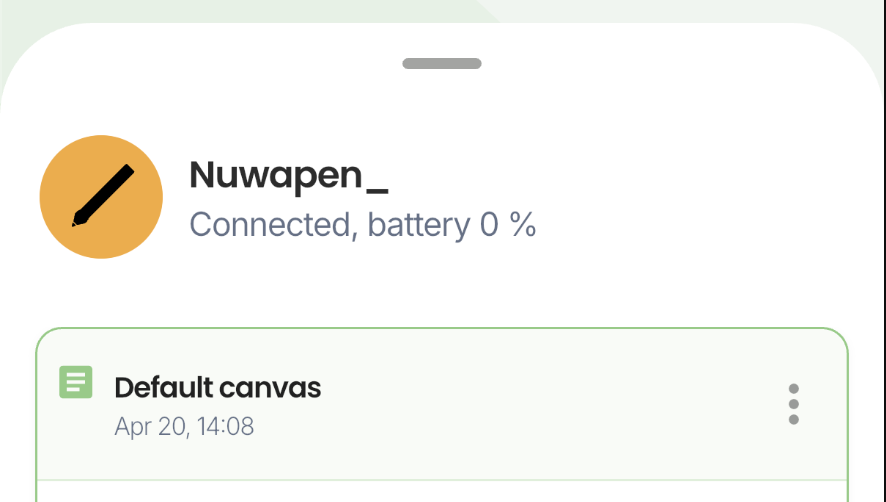
Scenario 1: Nuwa+ shows 0%
Your home screen could also look like this, even though you’ve been charging it for more than 30minutes. Even hours perhaps. But still. It is stuck here:
Scenario 2: Nuwa Pen light not turning on
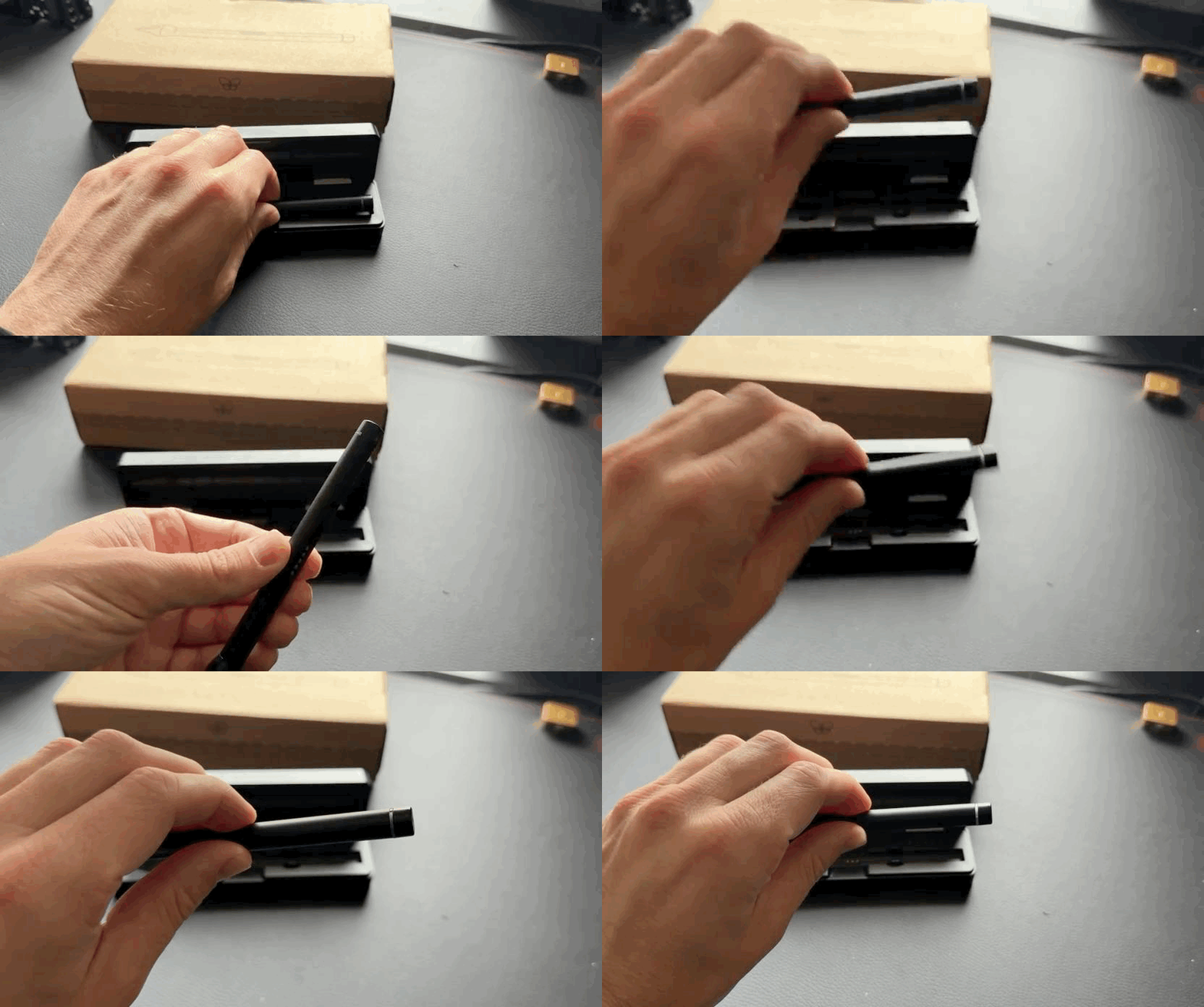
Or you’ve placed your Nuwa Pen in the case, the case has charged, but when you take it out, its not showing any sign of life and your Nuwa+ app can’t find it.
Solution: Perform Full Discharge
This annoying discharge bug has been resolved in firmware version 5.1.5.0.
In the meantime, the only reliable fix is to perform a full discharge of the pen. We understand this isn't the most convenient solution, and we appreciate your patience while we work toward a permanent fix.
Take the pen out of the case.
Plug the case into a charger.
Leave the pen separate and unplugged for 24 hours so that it can fully discharge.
After 24 hours, put the pen back in the case.
After 30 minutes, take the pen out of the case. It should now show a sky blue light.
Still Need Help?
If the full discharge doesn't resolve the issue, please reach out to our support team via support@nuwapen.com and we'll be happy to assist you further. We'll also keep you updated as the software fix becomes available.
Was this helpful?
Still need help? Ask the team